FIELDNOTESLEARNING & DEVELOPMENT
TEAM ONBOARDING / CHAPTER 01
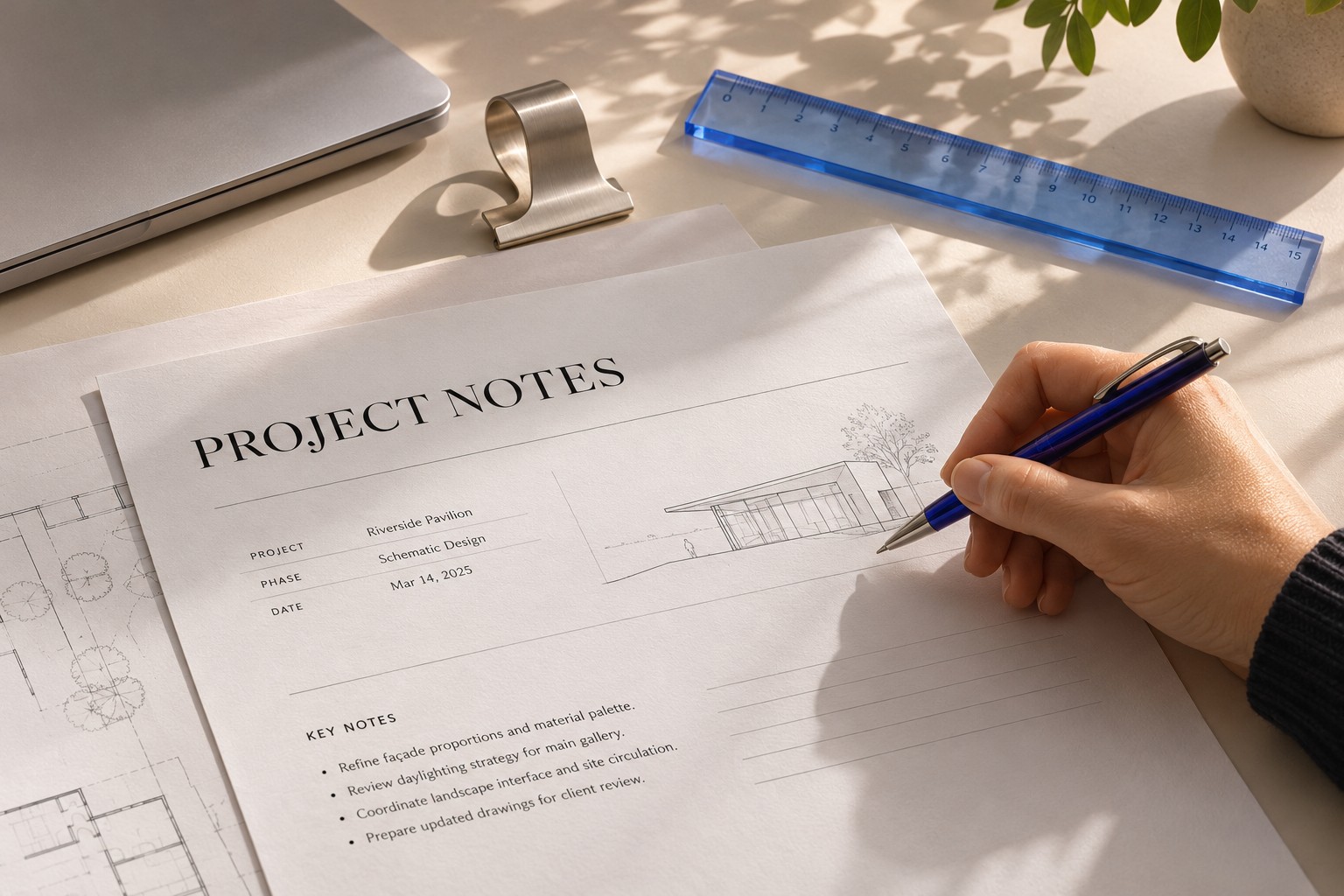


THE MODULE, KEPT UP TO DATE
Click the title or text to edit this sample page.
TEAM ONBOARDING01 / 03
For modules, handbooks, and guides that never stop changing. Revise content, add or remove pages, and return to an earlier version when you need to.
TEAM ONBOARDING / CHAPTER 01
Click the title or text to edit this sample page.
A new lesson. An updated policy. A page that no longer belongs. Keep your PDF useful through every round of changes.
Update the lesson, explanation, or instructions inside your module. Give new knowledge a place without starting from scratch.
Add a new chapter or activity. Remove an outdated page. Shape the document around what your readers need now.
Review earlier revisions and recover a version you want back. A restore creates a new revision, so the trail stays intact.
For educators refining a course. Teams updating a handbook. Authors building a better guide. Your PDF has a life after the first export.
Scroll through the life of a module.
TEAM ONBOARDING
The lesson has changed. Update the text and save a revision, so your readers get the latest thinking and you keep a record of it.
Add a new activity or chapter. Remove a page that's no longer relevant. Your document grows with the content, rather than holding it back.
Preview the earlier module, check its pages, and restore it. The restore becomes a fresh revision, keeping your previous updates in the history.
Start free and upgrade when your documents need more room, more history or more people.
Prices in USD. Paid plans renew automatically. Cancel anytime. Payments are processed securely by Stripe and billed by EdgeClift Media LLC.
People whose PDFs keep changing: educators maintaining modules, teams revising handbooks or SOPs, and authors updating guides. Edit the content, manage pages, keep a clear version history and share the result.
Yes. The Free plan includes 500 MB of storage, one member, and three saved versions per document. Create an account and confirm your email to get started.
Your current documents, earlier versions, media library, and files in the trash. Team settings shows the breakdown and lets administrators clear older versions or empty the trash.
You can still open and download your documents. Free up storage or upgrade your plan to make room for new uploads and saves.
Yes. Use Manage billing to cancel through Stripe. Your paid plan stays active until the end of the paid period, then your workspace moves to Free. Your documents are kept.
No. The interactive sample above runs entirely in your browser tab, with nothing uploaded. Your real documents live in your workspace once you sign up.
No credit card. No complicated setup.